Project Shopping List
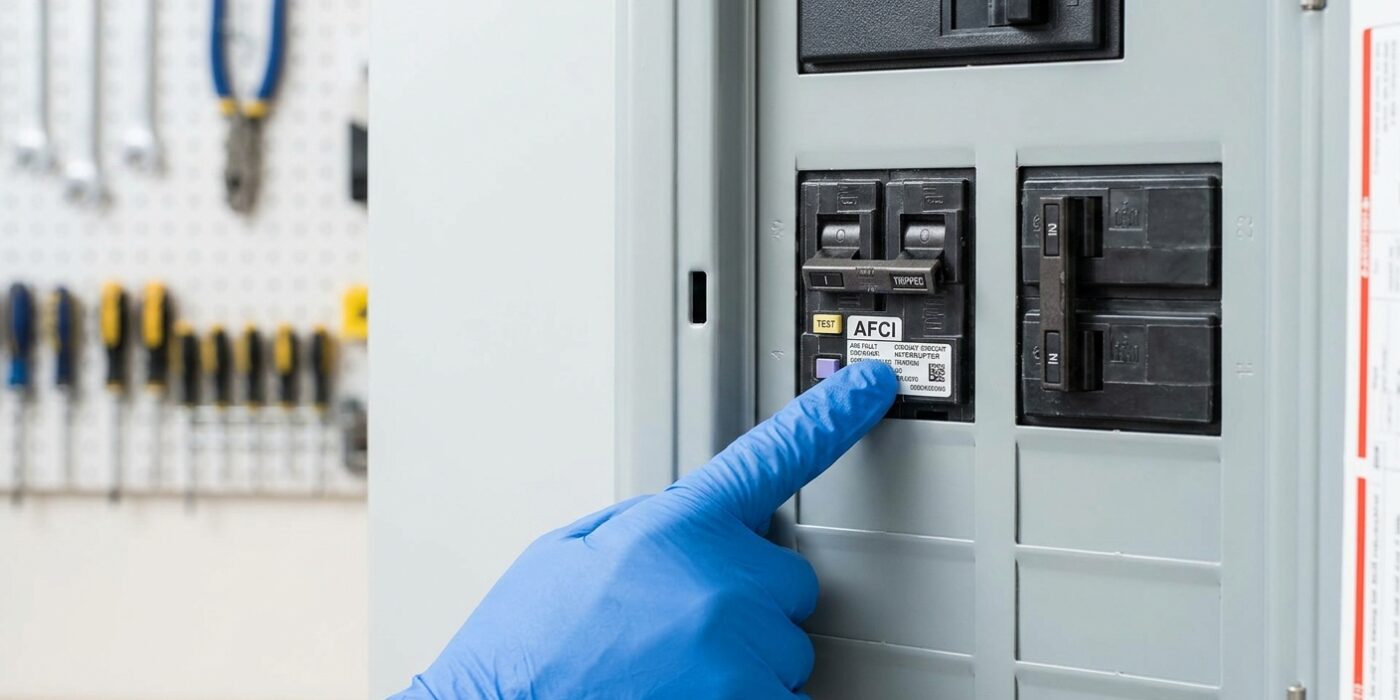
An AFCI (Arc Fault Circuit Interrupter) breaker trips when it detects the signature electrical pattern of an arc fault – the type of electrical anomaly that causes the majority of residential electrical fires. Unlike GFCI breakers (which protect against ground faults/electrocution), AFCI breakers protect against arcing in damaged or deteriorated wiring that can ignite insulation or nearby combustibles. When an AFCI breaker trips and won’t reset, it usually indicates either a genuine arc fault condition or a nuisance trip from a compatible-device issue – distinguishing between the two determines the correct response.
This guide covers what causes AFCI trips, how to identify whether it’s a real fault or a nuisance trip, and how to reset and return the circuit to service safely.
What You’ll Need
Tools
- Non-contact voltage tester
- Flashlight
- Flathead screwdriver (for accessing panel)
Materials
- Replacement AFCI breaker (if needed – must match panel brand and be AFCI rated)
Step 1: Identify What Caused the Trip
Before you rush to your electrical panel, take a moment to play detective. The goal here is to determine if your AFCI (Arc Fault Circuit Interrupter) breaker tripped because of a faulty appliance or a potential wiring hazard inside your walls. Think back to the exact moment the power cut out: did you just flip a switch or plug in a device?
If the breaker trips the second you turn on a specific item, such as a vacuum, a space heater, or an old power tool, that device is likely the culprit. AFCI breakers are highly sensitive and sometimes misinterpret the “electrical noise” from brushed motors or dimmers as a dangerous arc fault. If the power cut out while nothing was running, it could indicate a loose connection or a fraying wire within an outlet. Walk through your home and inspect all plugs and cords on the affected circuit for visible burn marks, melted plastic, or frayed insulation. If you find any damage, stop using that outlet immediately.
Beginner Tip: Do not just flip the breaker back on repeatedly if it keeps tripping instantly. Forcing a breaker to stay in the “on” position while there is a genuine short circuit can lead to dangerous overheating or electrical fires.
Pro Tip: Create a “circuit map.” Use a piece of masking tape to label each outlet and light switch with the corresponding breaker number. Having this physical reference on your walls makes troubleshooting significantly faster the next time you face a power outage.
Step 2: Attempt Reset
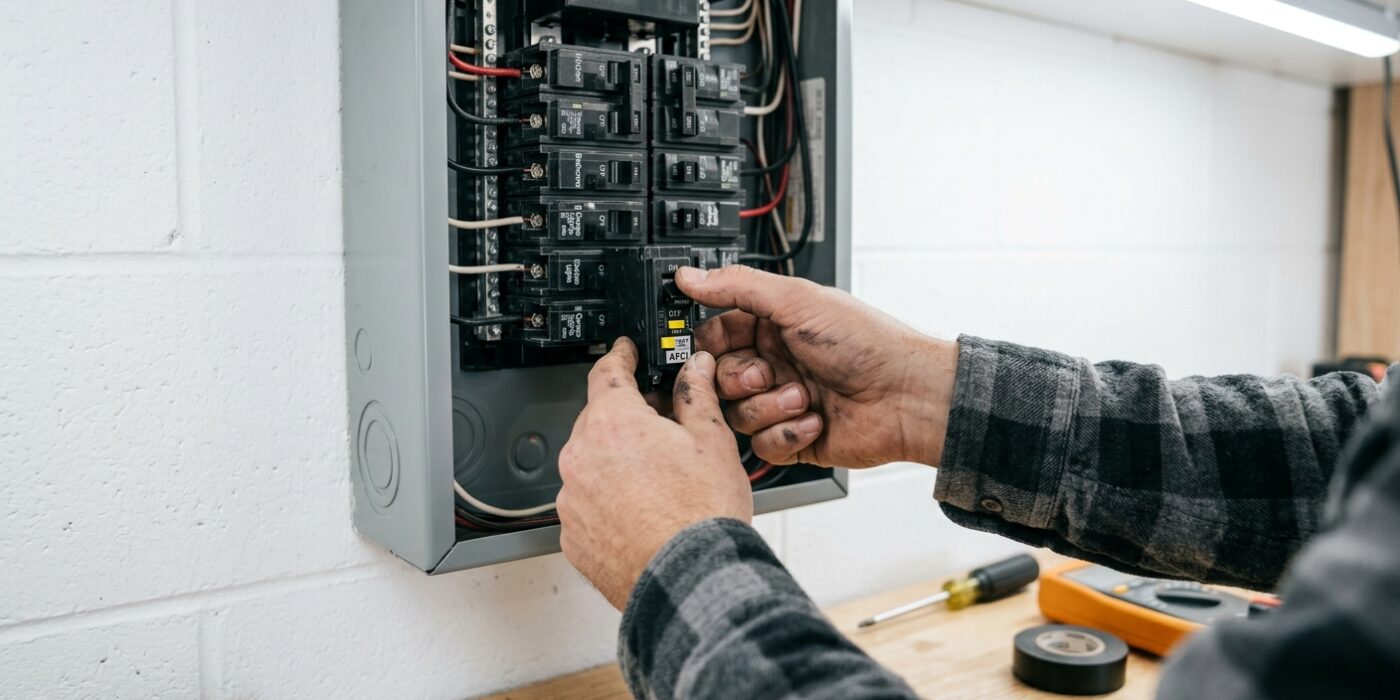
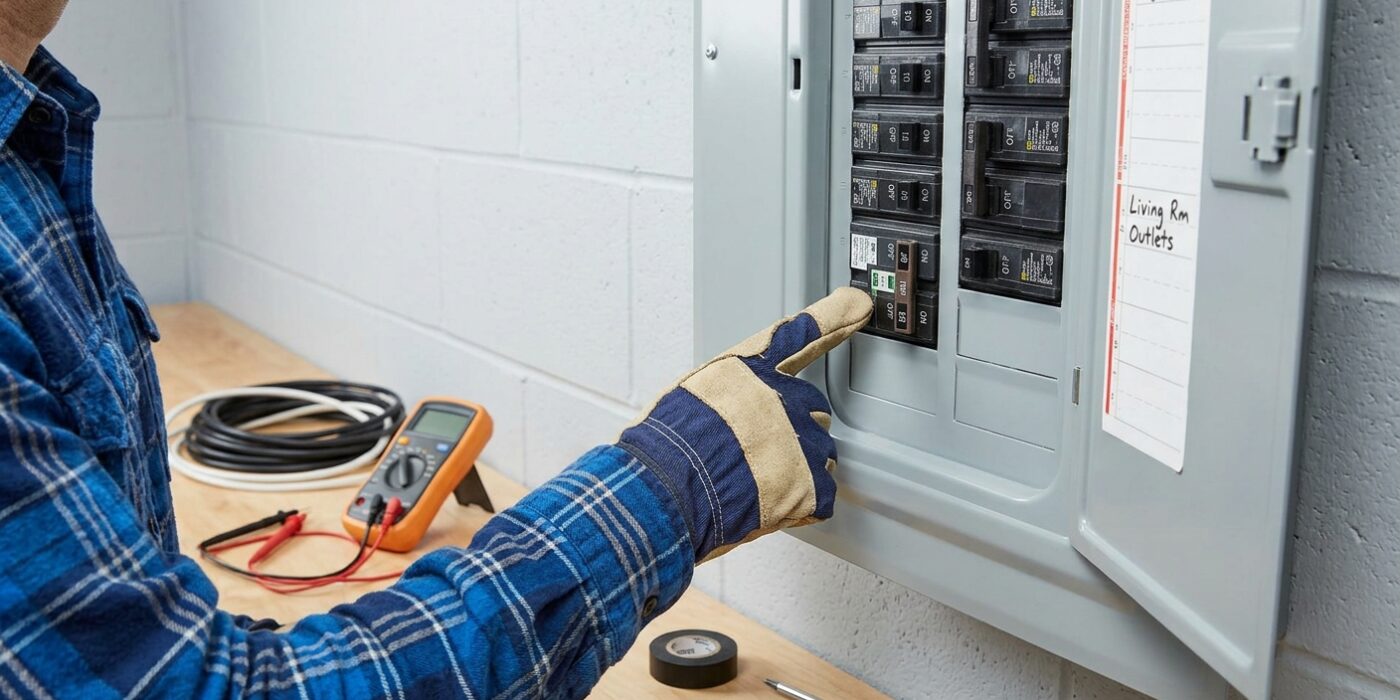
Now that you have identified the tripped AFCI breaker, it is time to reset it. Unlike a standard light switch, these breakers have a built-in safety mechanism that requires a firm, two-step motion. First, take a steady grip on the switch handle and push it completely into the OFF position. You will feel a distinct mechanical click or resistance as the internal springs engage; ensure it is pushed all the way down until it stops. Once it is fully OFF, push the handle firmly back up to the ON position.
The reason for this “off-then-on” procedure is that AFCI breakers contain internal microprocessors that must complete a full power-cycle to clear their status. If the breaker snaps back to the middle or off position immediately, do not attempt to force it to stay; this indicates that the circuit is still detecting a fault, and pushing it repeatedly can damage the breaker mechanism.
Beginner Tip: Avoid the common mistake of only moving the switch to the middle position to “reset” it. Because of the electronic components inside, the breaker will simply stay in a tripped state unless it is forced all the way down to the bottom position first. Think of it like rebooting a computer – it needs a clean slate to function properly.
Pro Tip: If the panel is in a dim closet or basement, hold a flashlight in your mouth or use a headlamp rather than holding it in your hand. This keeps your hands completely free to manipulate the breaker with both precision and confidence.
Step 3: Unplug All Devices and Retry
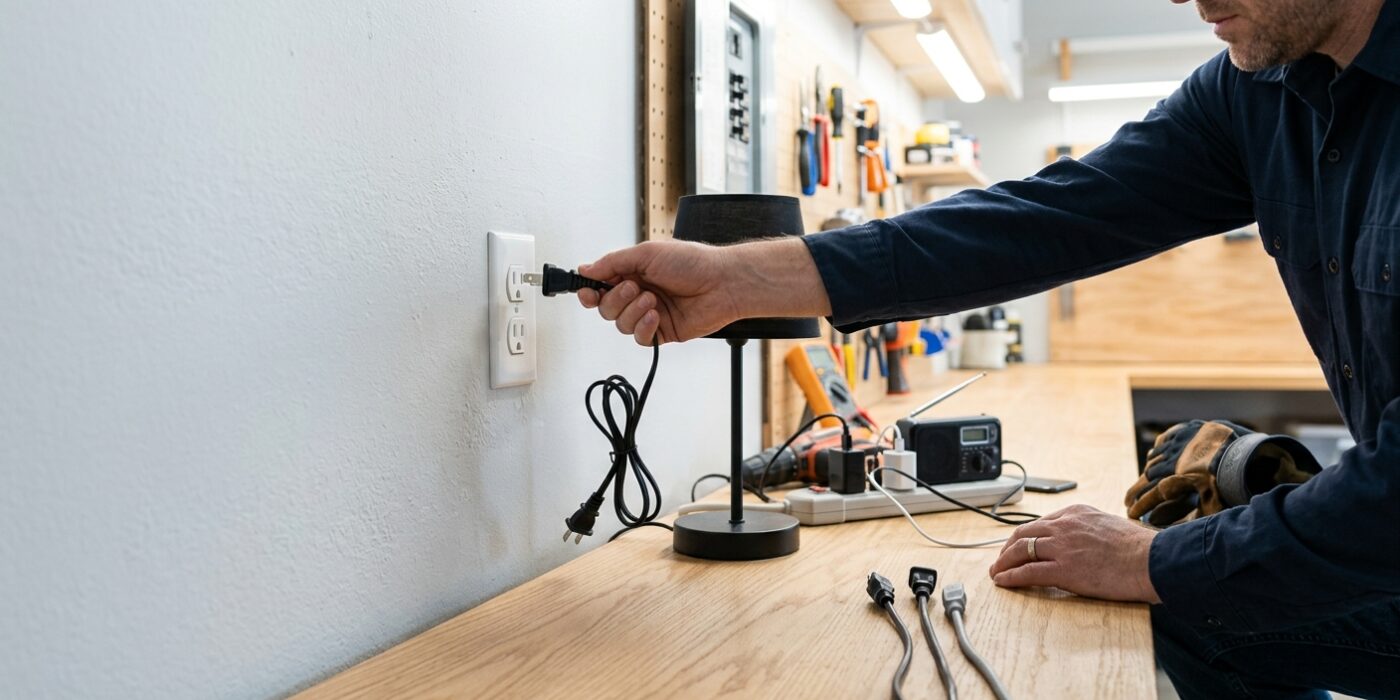
Sometimes, an AFCI breaker is just doing its job because a specific device on the circuit has a frayed cord or a failing motor. To pinpoint the culprit, unplug every single item currently plugged into the outlets controlled by that breaker. Once the circuit is completely bare, go back to your electrical panel and flip the breaker switch firmly from the “Off” or “Tripped” position all the way to “On.” If the switch stays in place, you know your home’s wiring is safe, and the issue is likely a device.
Now, walk through your home and plug your devices back in one by one. Take your time – if the breaker trips again, you will know immediately that the last item you plugged in is the one causing the electrical fault. This systematic approach is much faster than guessing and saves you from the frustration of an endless loop of tripped switches.
Beginner Tip: Avoid plugging in power strips or extension cords during this test. If you plug a power strip back in, you won’t know if the fault is coming from the strip itself or one of the three or four devices plugged into it. Keep it simple and plug every item directly into the wall outlet.
Pro Tip: Before you even start unplugging, take a quick photo of your room setup with your smartphone. It sounds silly, but it makes the process of reconnecting everything much less stressful when you can simply look at your “before” picture to remember exactly where everything was plugged in.
Step 4: Inspect Outlets and Wiring for Damage
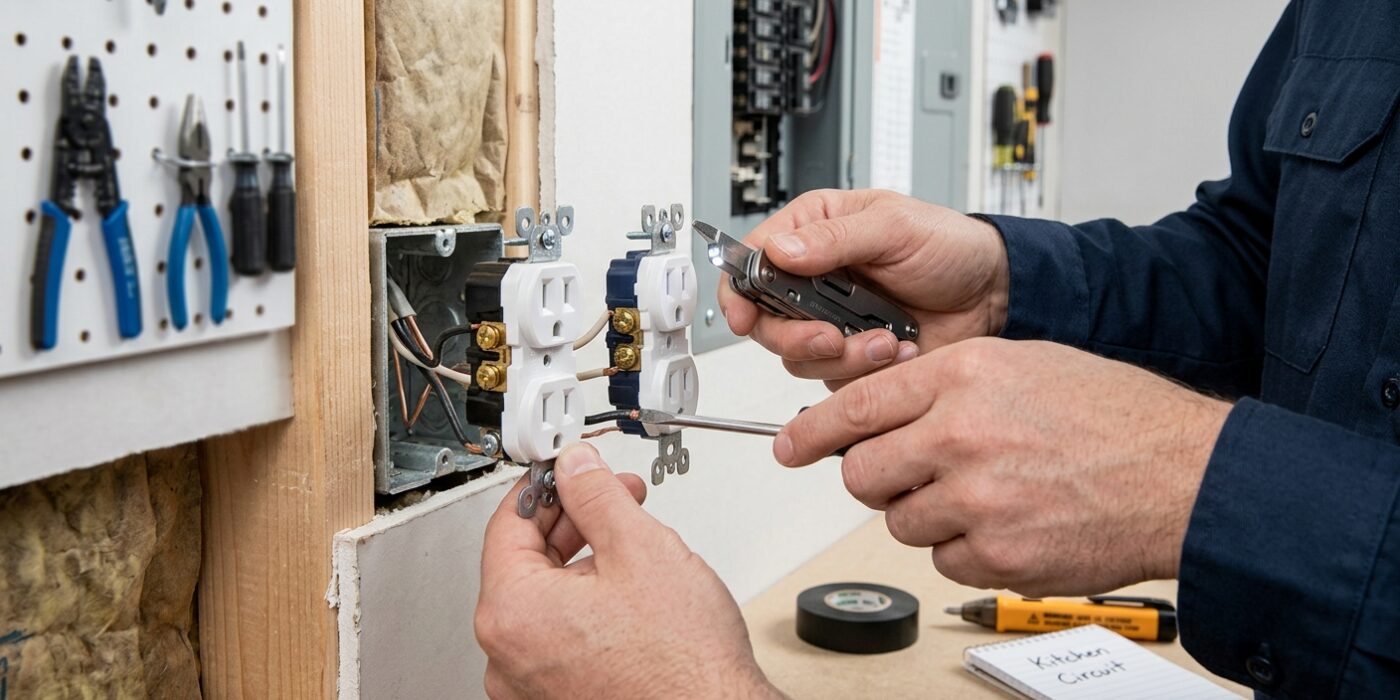
Now that the power is safely off, it is time to play detective. An Arc-Fault Circuit Interrupter (AFCI) is incredibly sensitive, designed to detect tiny electrical sparks that could lead to fires. Even a loose screw or a frayed lamp cord can trigger it. Walk through every room on the affected circuit and look at your outlets, light switches, and wall plates. You are searching for telltale signs of trouble: black or brown burn marks, melted plastic, or a faint, acrid “fishy” smell. If you feel comfortable, unscrew the wall plates to peek inside; if a wire looks like it is pulling away from the terminal screw, or if a wire nut feels loose to the touch, that is likely your culprit.
Beginner Tip: Avoid the urge to tighten wires while the power is on. Even if the breaker is currently tripped, never trust that the line is dead. Always confirm the power is off using a non-contact voltage tester before touching any metal components inside the box.
Pro Tip: If you find a wire that seems loose, give it a firm, gentle tug with needle-nose pliers. If it wiggles or pops out easily, that connection was definitely the source of your arc. When re-securing wires to terminal screws, ensure the wire is wrapped in a clockwise direction; this way, as you tighten the screw, it pulls the wire tighter into the connection rather than pushing it out.
Step 5: Test for Wiring Issues
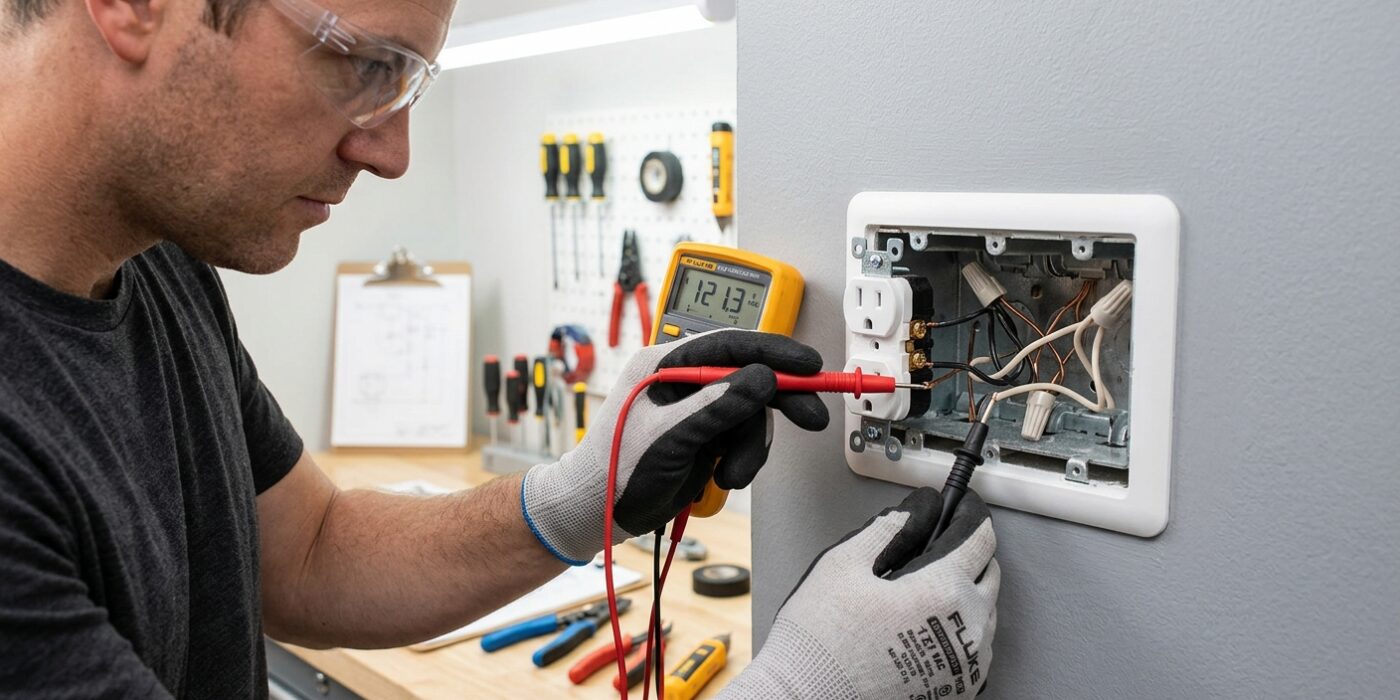
Now that you have unplugged every device and turned off all light switches on this circuit, it is time to try resetting the breaker one last time. Locate your electrical panel and flip the breaker handle firmly to the “Off” position, then snap it back to “On.” If the breaker trips again immediately, this is a clear sign that the issue is likely hidden behind your walls, such as a loose connection or a damaged wire caused by a nail or screw.
At this point, stop your DIY troubleshooting. Locating an arc fault inside a wall requires specialized diagnostic equipment and deep electrical expertise. Call a licensed electrician; they have the tools to pinpoint exactly where the wire is damaged without tearing out your entire drywall. Most importantly, never replace an AFCI breaker with a standard one. AFCI breakers are designed to prevent electrical fires by detecting dangerous sparks; bypassing this safety feature puts your home and family at significant risk.
Beginner Tip: A common mistake is assuming the breaker is “broken” just because it keeps tripping. Usually, the breaker is doing exactly what it was designed to do: protecting you from a real wiring hazard. If it trips with nothing plugged in, trust the breaker – don’t keep flipping it back and forth, as this can cause internal damage to the panel.
Pro Tip: Before calling the pro, take a photo of the panel label and the specific breaker. Giving the electrician clear information about which part of the house is affected helps them prepare the right tools before they even arrive, potentially saving you time and money.
Step 6: Address Nuisance Trips
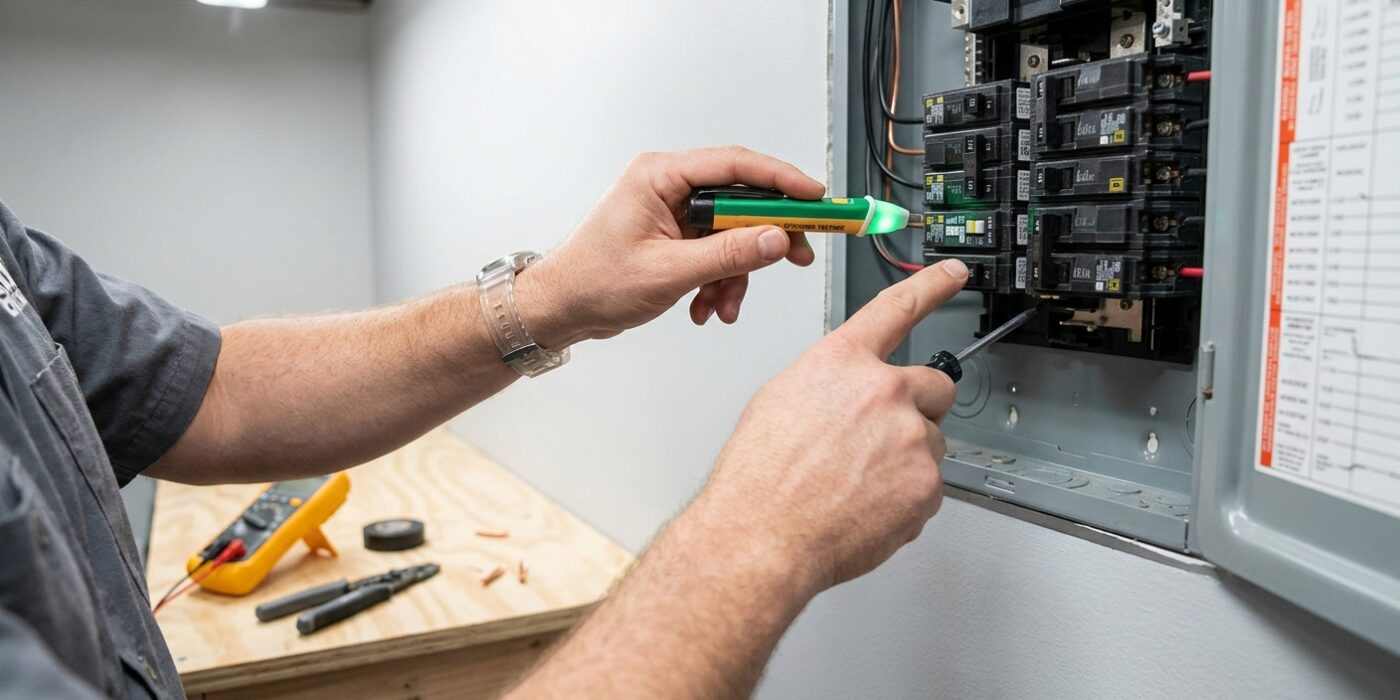
If you have confirmed your wiring is sound but your breaker still trips when using specific tools, you are likely experiencing a “nuisance trip.” This happens because modern AFCI breakers are very sensitive; they sometimes mistake the normal sparking inside the brushed motors of power tools (like table saws or vacuum cleaners) for a dangerous electrical arc. Because these breakers are essential fire safety devices required by the National Electrical Code in most living areas, you must never replace them with a standard breaker.
To resolve this, first try plugging the problematic device into a different outlet on a separate circuit. If the tripping stops, you know the device is the source. If you must use that specific tool, consider upgrading your AFCI breaker to a newer “combination-type” model, which is engineered with better software to distinguish between harmless motor noise and genuine electrical hazards.
Beginner Tip: Never attempt to bypass your breaker by taping the switch in the “on” position or installing a standard, non-AFCI breaker. These safety devices protect your home from hidden wire-fire hazards behind your walls. If the breaker keeps tripping even with nothing plugged into the outlets, the breaker itself may have reached the end of its life and require a simple swap for an identical model.
Pro Tip: Before assuming your breaker is broken, write down exactly which appliances were running when it tripped. If you see a pattern, you have identified the culprit. Keeping a small log near your electrical panel can save you hours of unnecessary troubleshooting later.